
StowMate Pro
Container stowage review and BAPLIE-driven cargo analysis for ship and shore.
- BAPLIE / EDI import and vessel visualization
- POL / POD filtering and rotation review
- DG, reefer, weight and stack checks
- Print-ready bay plans and export
Plan cargo. Coordinate people. Prepare the next operation.
Focused tools for ship and shore. A local maritime AI assistant is in development to help your team find answers, review evidence and move work forward.

Each module can stand alone, while the suite is designed around the same shipboard logic: fast access, clear checks, practical reporting and minimal administrative friction.
Container stowage review and BAPLIE-driven cargo analysis for ship and shore.
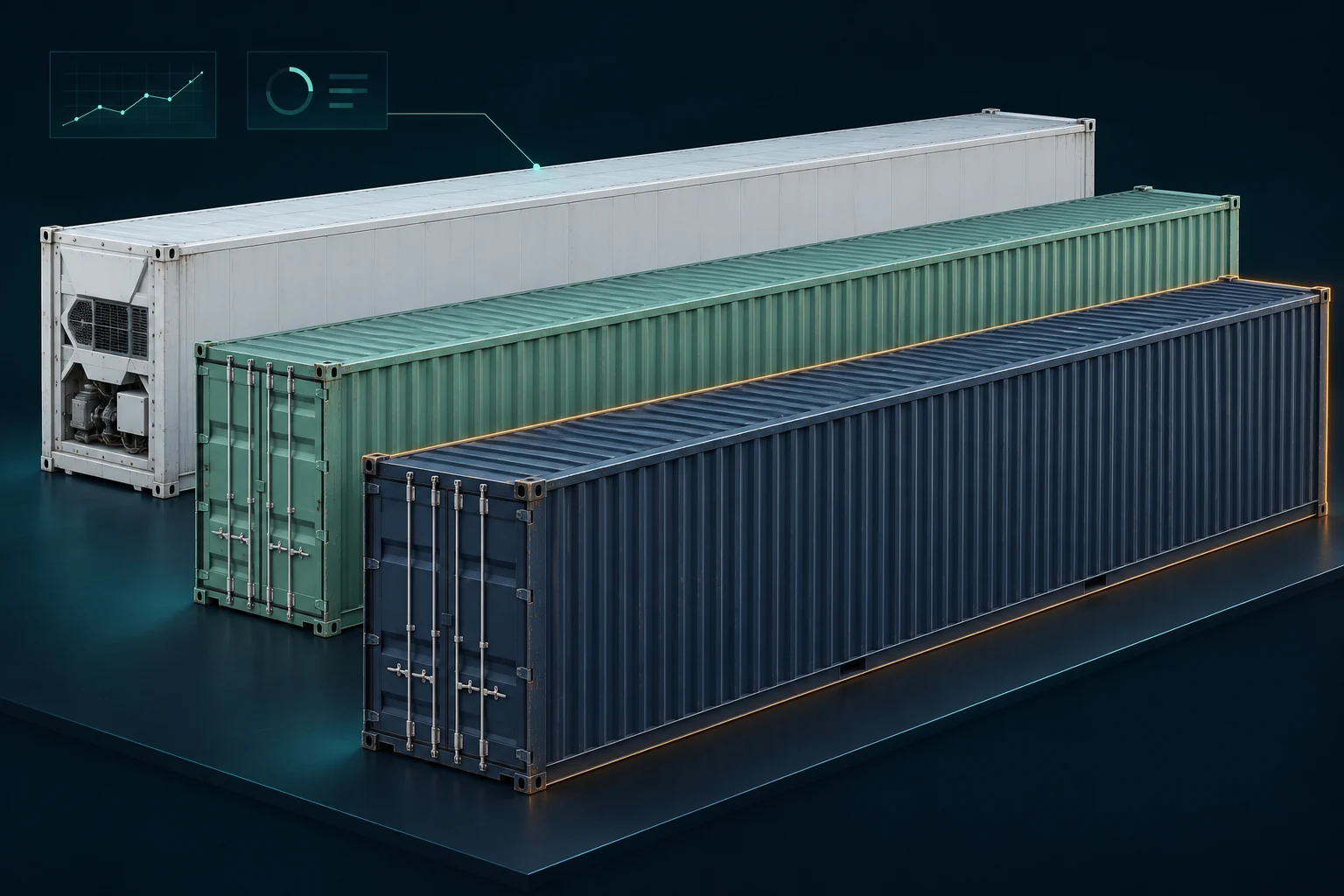
Fast browser-based inspection of BAPLIE files without heavy planning software.

Focused recording and compliance control for crew working and rest hours.
Routine work planning and document preparation for Chief Officers and 2nd Engineers.
Built for maritime knowledge. Designed for local control.
Maritime expertise, closer to the work. A local assistant is in development for the entire product suite.
Your drawings. Your questions. Your conversations. Intended to stay inside your approved infrastructure — without external AI requests.
IN DEVELOPMENT · Deployment and isolation controls must be verified before delivery.
The model and reference library are intended to run on your equipment or your approved server environment.
The intended local workflow does not send prompts, drawings or conversations to an outside AI provider.
Agents are planned to search an approved reference library, compare available sources and highlight gaps for review.
AI supports preparation and explanation. The Master, Chief Officer and authorised specialists review material results.
A planned team of specialist agents
Reference agents find the sources. Context agents organise the information. Review agents flag contradictions and uncertainty.
Your officers make the final decision.
Explore the AI development plan →The AI workflow shown here is a development concept, not an active feature of the public demo. Deployment controls are verified per customer. AI output requires professional review. Read the deployment details →
From information to action
A practical workflow, with people in control.
01Start with vessel, cargo or crew information. Turn scattered records into a clearer working view.
02Planned local agents search the approved maritime library and help explain the context.
03Explore checks, inspect flagged items and compare the evidence available to your team.
 04
The responsible officer reviews the result. Prepare the records, reports and next actions.
The agent stage is in development. Product-specific checks and availability are described on each product page.
The same operational picture can support both vessel teams and company-side review without forcing users into a heavyweight fleet ERP.
The public website presents the software. Try the public BAPLIE Viewer. Explore other modules through controlled evaluations, separate from operational environments.
Try BAPLIE Viewer now, or talk to us about evaluating the other applications.
The email link opens your mail application. No request is sent automatically. Please do not include crew records, vessel documents or sensitive cargo data. Privacy notice