BAPLIE inspection
Read supported BAPLIE formats and review container identity, slots, ports, ISO type, weights and available DG/reefer attributes.
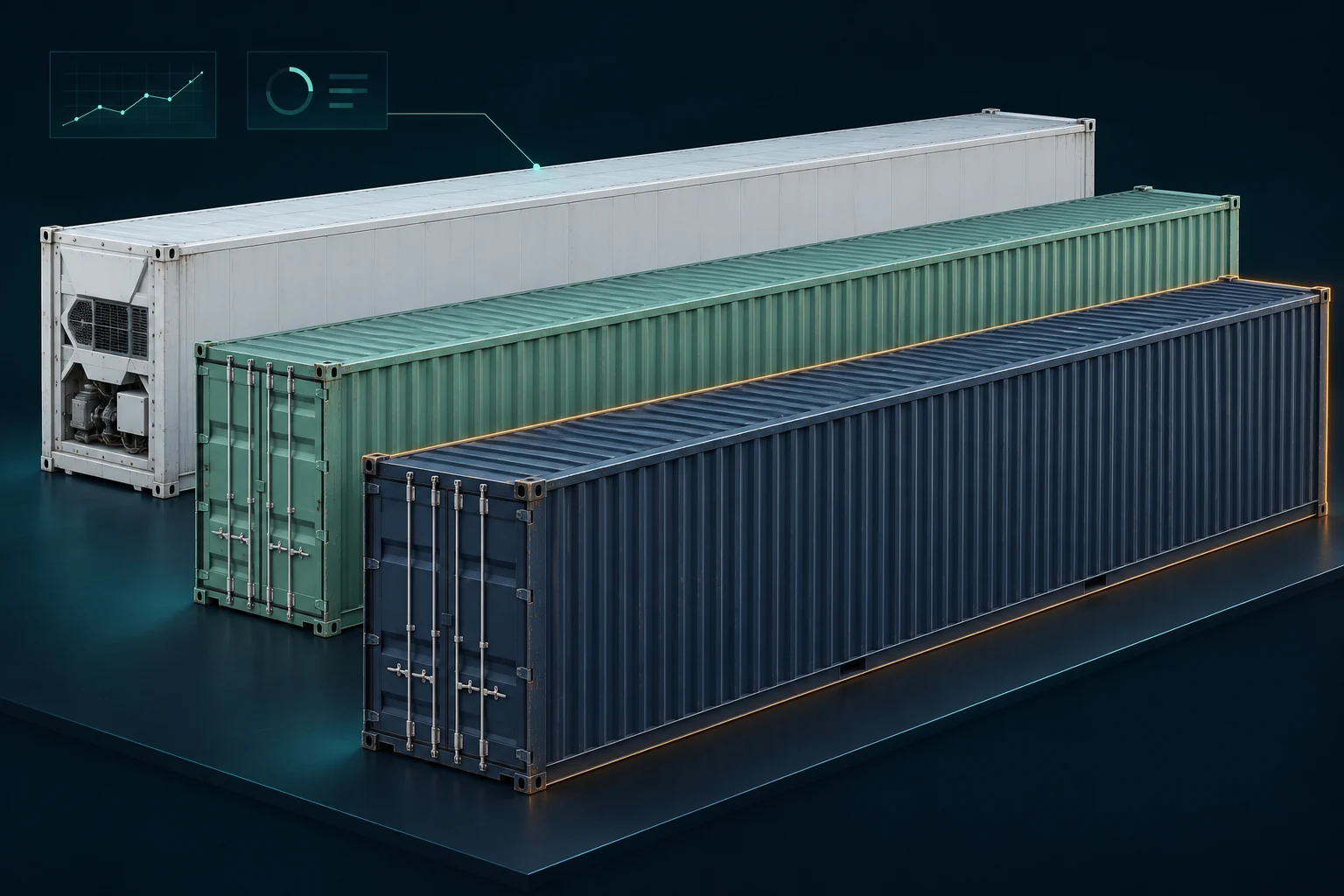
BAPLIE inspection & 3D review
Open a container file, explore the vessel picture and turn cargo data into a readable plan without installing a desktop package.
Help officers, planners and shore teams inspect BAPLIE information quickly, locate individual containers and review the cargo distribution before taking the next operational step.
Read supported BAPLIE formats and review container identity, slots, ports, ISO type, weights and available DG/reefer attributes.
Move between a labelled bay plan and the container table. Search and combine filters for ports, bays, rows, tiers and cargo attributes.
Explore the schematic vessel in 3D, change viewpoints, inspect container details and review weight totals by combined bay block.
Use port colours and the available restow/segregation review tools, then export tables or prepare a loading-plan printout.
 Open the browser demo and select Load sample to start with fictional cargo.
 Explore Bay Plan, Table and 3D / Weight map. Apply filters and inspect the results.For an authorised evaluation, verify any file you select and assess the limitations of the checks.
 Request an official offline package by email if you need a separately supplied local version.
BAPLIE is a data exchange format. A successful import confirms that data could be read; it does not validate the source manifest, certify DG compatibility or approve the vessel’s loading condition. Review securing arrangements against the vessel’s Cargo Securing Manual and applicable procedures.
The 3D view is schematic. Slot geometry, imported attributes and available weights determine what can be shown and checked. The application does not replace approved stability/lashing software, a qualified DG review or the judgement of the Master and Chief Officer.
References describe the regulatory framework; they are not endorsements or approvals of this software.
In the current browser viewer, selected BAPLIE files are processed by browser JavaScript; no file-upload endpoint is used by this application. Some vessel settings are saved in browser storage, and exported files are saved through the browser. Website requests still reach the hosting server and may appear in access logs. Shared devices, browser extensions, local storage and downloaded reports must be managed by the user. Use the synthetic sample for public evaluation.
Keep a recoverable copy of important records. Restrict access to authorised personnel and review exported files before sharing. See the privacy notice and browser storage information for the website’s current draft disclosures.
These products are under active development. Changes are reviewed and tested before release within the scenarios covered by the relevant checks. Calculation and document workflows require regression checks; release-specific validation must identify the tested scope and remaining limitations.
Testing reduces the risk of errors but does not establish that every vessel, cargo combination, rule exception or document is covered. No approval by a flag administration, classification society, IMO or ILO is claimed unless separately documented for a specific release. No guarantee of uninterrupted operation, error-free results or zero data loss is made; mandatory legal rights remain unaffected.
In development · Not included in the current public demo
A maritime-focused AI assistant is being developed for the product suite. It is intended to help users navigate the software, search a maintained maritime reference library, understand procedures and investigate operational questions.
The planned architecture runs the AI model and its knowledge base on the customer’s equipment or within the customer’s approved server environment, without external AI services. Documents, drawings, diagrams, questions, prompts and conversations are intended to remain inside that environment rather than being sent to an outside model provider.
This is a development commitment, not a description of a released feature. Before delivery, deployment-specific network isolation, logs, backups, access controls and the offline update process must be verified. A model running on a customer server is local to that controlled environment; it is not necessarily running on the user’s individual computer.
The reference library and regulatory material are intended to be maintained through reviewed updates. AI answers must be checked against current authoritative sources and vessel procedures; they do not constitute operational approval or legal advice.
Open the public viewer and start with Load sample. The request link opens your email application; access to an official offline package is arranged separately.
Please do not send crew records, private drawings or sensitive cargo files with an initial request.
Software licence terms remain in draft. Licence options · Full safety notice